Back to BlogProduct Updates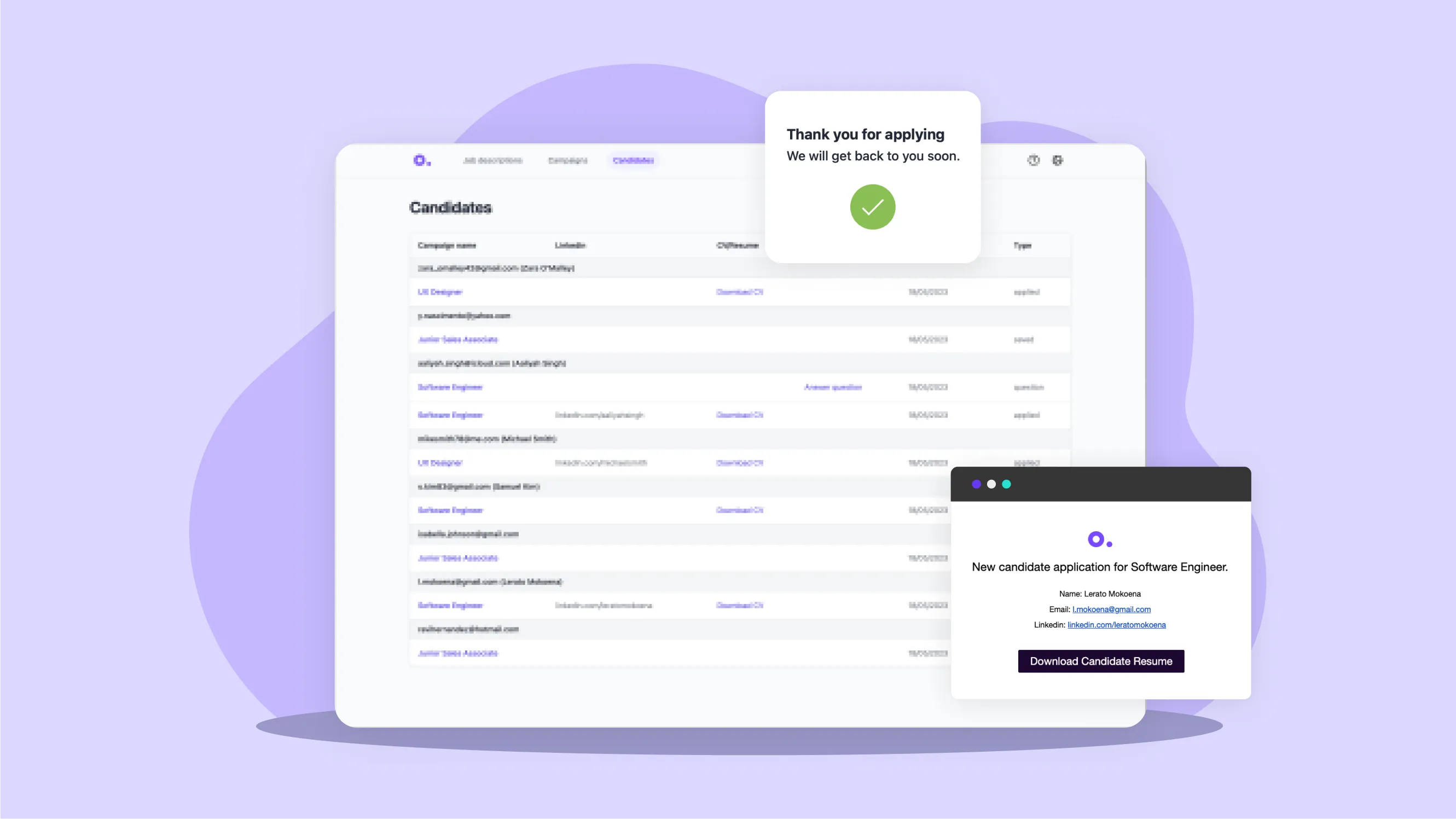
New Features: Application Pages, Candidates, and Q&A
Introducing powerful new features to streamline your recruitment process.
Outhire Team
2024-12-01
5 min read
We're excited to announce several new features designed to improve your candidate experience and streamline your hiring workflow.
Application Pages
Customizable Application Flows
Create tailored application experiences:
- Branded landing pages
- Role-specific questions
- Custom form fields
- Mobile-optimized design
Key Features
- Drag-and-drop builder - No coding required
- Template library - Start with proven layouts
- Preview mode - See what candidates experience
- Analytics - Track conversion rates
Benefits
- Higher completion rates
- Better candidate data
- Consistent branding
- Improved candidate experience
Candidate Management
Enhanced Candidate Profiles
Get a complete picture of each candidate:
- Application history
- Communication log
- Interview notes
- Assessment results
Pipeline Visualization
Track candidates through your process:
- Customizable stages
- Drag-and-drop movement
- Status indicators
- Bulk actions
Collaboration Tools
Work better as a team:
- Shared notes and feedback
- @mentions for team members
- Activity history
- Permission controls
Q&A Feature
Automated Candidate Questions
Let candidates ask questions before applying:
- FAQ integration
- AI-powered responses
- Human escalation
- Response templates
How It Works
- Candidates submit questions through your career site
- AI suggests answers from your knowledge base
- Recruiters can customize or approve responses
- Candidates receive personalized answers
Benefits
- Reduced recruiter workload
- Faster candidate responses
- Improved candidate experience
- Consistent information sharing
Getting Started
Application Pages Setup
- Navigate to Settings > Application Pages
- Choose a template or start from scratch
- Add your branding and content
- Configure form fields
- Publish and share
Candidate Management
- Access from the main Candidates tab
- Customize pipeline stages
- Set up team permissions
- Start managing candidates
Q&A Configuration
- Go to Settings > Q&A
- Upload your FAQ content
- Train the AI on common questions
- Enable on your career site
What's Next
We're continuously improving based on your feedback. Coming soon:
- Advanced reporting
- Additional integrations
- Enhanced AI capabilities
- More customization options
Feedback Welcome
We built these features based on customer feedback. Let us know how they're working for you and what you'd like to see next.
Contact support@outhire.ai with questions or suggestions.
OT
Written by
Outhire Team